Spider man
Members
-
Joined
-
Last visited
-
looks like this is going to be the new Fallout 76
-
yes I have just got a refund from MS ,it will not down load and install, coz it cant see my epic install
-
I dont know ,we all know its Early Access , I have had so much fun with Grounded more them 30 hrs , thats more then some full games that you paid £50 or £70 for so I'm happy with the game and to know that there is more to come ,I can't wait for the updates , as it is I'm building big base that is more fun so as it is there is more time left in game AS IT IS , now I have ladybug armour and lvl 3 wep I can kill 3 orbs and 2 stinkbugs AT the same time in a head to head and 6 heal pots so I happy with the game and Obsidian
-
yeah a bit broken but with ladybug armour on and lvl 2 weps and heal pots I can go face to face with all the bugs in the game
-
ha ha you should see my island in the sky, 10 stairs up then the island starts
-
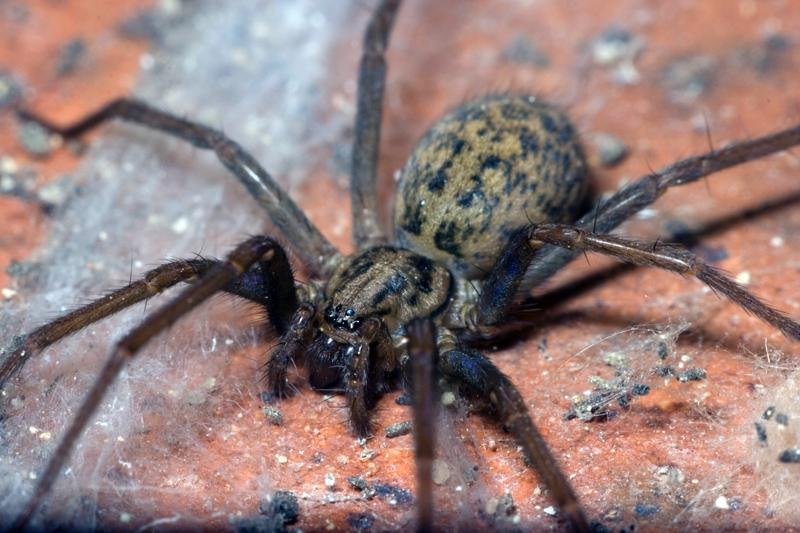
and some more bugs stinkbug young and some spiders ant looking for it house



-
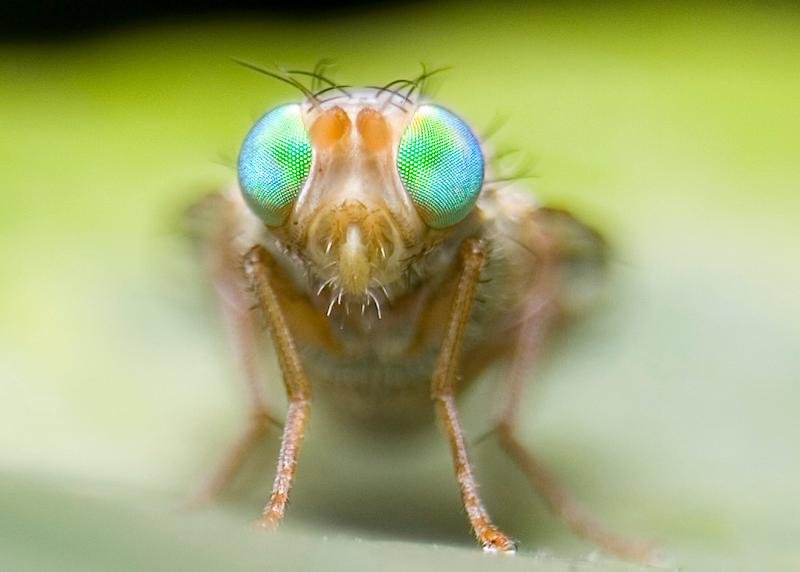
Hi there girls and boyz of Obsidian ,you have done a good job on this !! Grounded I like the games mechanics its the small things you have put in like how the ants look after the Aphid in the real world ants farm aphid for the honeydew and will atack ladybugs and their larva that come to eat them the modeling for stinkbug is just like the real thing in fact all of the bugs really life like here are some Photos of bugs ,the ants farming honeydew and stinkbug porn