Skip to content
View in the app

A better way to browse. Learn more.

Obsidian Forum Community

A full-screen app on your home screen with push notifications, badges and more.

To install this app on iOS and iPadOS
  1. Tap the Share icon in Safari
  2. Scroll the menu and tap Add to Home Screen.
  3. Tap Add in the top-right corner.
To install this app on Android
  1. Tap the 3-dot menu (⋮) in the top-right corner of the browser.
  2. Tap Add to Home screen or Install app.
  3. Confirm by tapping Install.

heythereneighbor

Initiates
  • Joined

  • Last visited

Everything posted by heythereneighbor

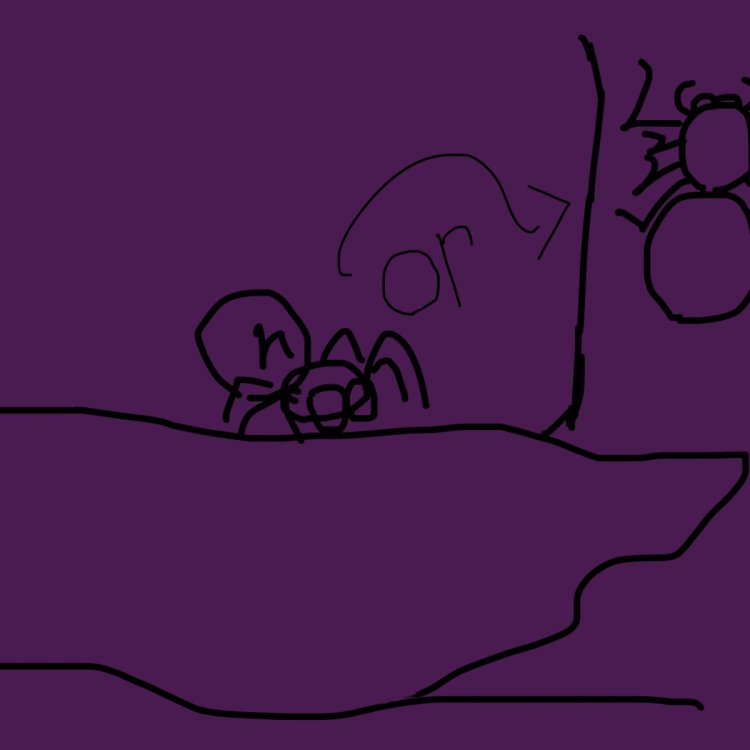
  1. So I had this dream that I was playing Grounded 2 and Axl actually followed you around so—why not recommend it? So imagine at nighttime, Axl could appear in the distance and/or you could hear him moving around as if he was close. And if you tried to approach him while he was doing something in the distance such as: • Standing around • Resting on a tree • Walking around he would look at you, put either his pedipalps or legs up and crawl away quickly. The idea is very unlikely since… He’s a big boy. But it would be cool nonetheless and add to the games fright factor.
Account

Navigation

Search

Search

Configure browser push notifications

Chrome (Android)
  1. Tap the lock icon next to the address bar.
  2. Tap Permissions → Notifications.
  3. Adjust your preference.
Chrome (Desktop)
  1. Click the padlock icon in the address bar.
  2. Select Site settings.
  3. Find Notifications and adjust your preference.