


Abnaxos
Initiates
-
Joined
-
Last visited
Everything posted by Abnaxos
-
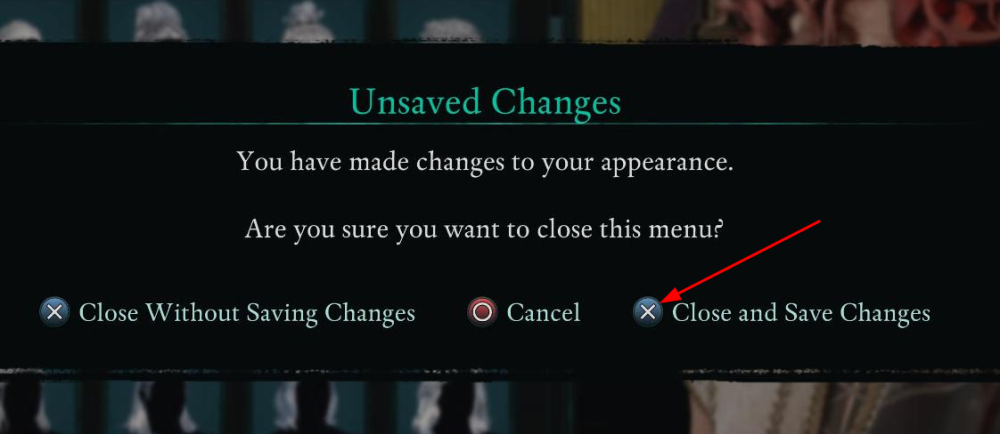
I found another problem in the magic mirror, this one's easy to screenshot, so I did. This looks like remapping interact is the problem, not jump. So, I tried to just swap L1 and X until I encountered a tutorial popup. I could dismiss it with X as expected. So, it seems that some controls get mixed up when interact is remapped.
-
I'd like to rebind my controller buttons, specifically use L1 for jump/parkour instead of X. When I do that and a tutorial pops up, there's no way to close that tutorial. It asks me to press X but X doesn't do anything. And yes, I did try to press L1 instead (I tried every button, actually), to no avail. I'm pretty sure it's because I remapped X, but here's all the button mappings in case it matters: X (jump/parkour) ➔ L1 Square (interact) ➔ X Triangle (swap weapon set) ➔ Square Ability Wheel ➔ Triangle (I'm using a DualSense Edge with the left back button mapped to L3 and the right one mapped to triangle) Playing on PS5 Pro.
