Henrique Lopes
Initiates
-
Joined
-
Last visited
-
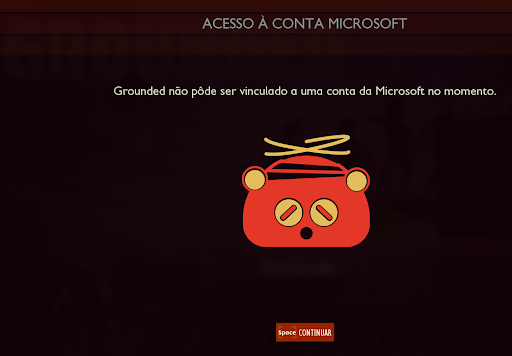
Hello, I am having trouble linking my Microsoft/Xbox account in Grounded on Steam to unlock achievements and play cross-platform. Details: - Platform: PC Windows 10 (Steam) - Xbox Account: henriqueabrahaolopes [AT] hotmail [DOT] com - Issue: Clicking "Enable Cross-Play" [L] opens the Microsoft authorization window. I log in and click "Accept", but the game immediately returns the error: "Grounded could not be linked to a Microsoft account at this time." Troubleshooting completed on local system: 1. Re-enabled and forced Teredo state to qualified / enterpriseclient. 2. Cleared Windows Credentials Manager (Xbl|DeviceKey and XSAPI tokens). 3. Revoked and re-granted app permissions on account.microsoft.com/privacy/app-access. 4. Set all Xbox Privacy & Online Safety settings to "Allow". It seems my Steam ID might be mapped to a mismatched token/binding on the backend. Could a moderator or developer help reset this link? Thank you!