Mikefort82
Initiates
-
Joined
-
Last visited
Everything posted by Mikefort82
-
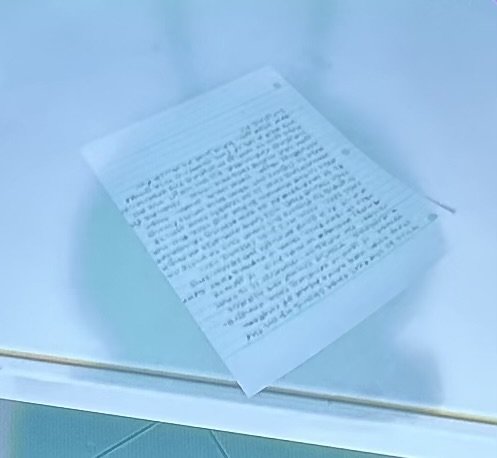
So I stumbled across this paper on a table under the pond, I took a picture of it and flip the image so I could try to read it in the best I could. This is what it says. This is the last page about us on the story trail and some kind of custom recipe. If you’re reading this, congra- tulations, you’ve found the hidden message (or rather challenge). It is your ability to read this, that is important. If you’re able to read this, there is a good chance that you do a good enough job decoding this text. Now, I’m just sitting here trying to figure out how not to write on this thing that will look realistic enough to be interpreted as something regular, and I don’t know what I’m doing. I’m not something that is so legible that anyone able to figure out what this note is trying to say is a genius. Even then, though, hope you can make this one out. Thanks for playing along and for the effort we all hope you’re really enjoying the experience. We had a lot of fun making this game and hope you had just as much fun playing it.