Skip to content
View in the app

A better way to browse. Learn more.

Obsidian Forum Community

A full-screen app on your home screen with push notifications, badges and more.

To install this app on iOS and iPadOS
  1. Tap the Share icon in Safari
  2. Scroll the menu and tap Add to Home Screen.
  3. Tap Add in the top-right corner.
To install this app on Android
  1. Tap the 3-dot menu (⋮) in the top-right corner of the browser.
  2. Tap Add to Home screen or Install app.
  3. Confirm by tapping Install.

goldenapple1st

Initiates
  • Joined

  • Last visited

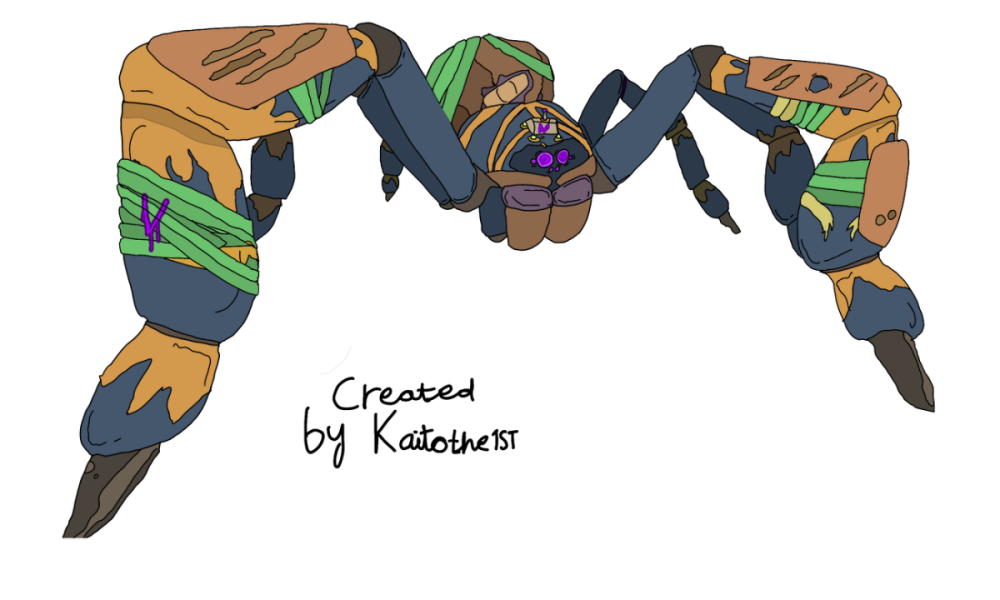
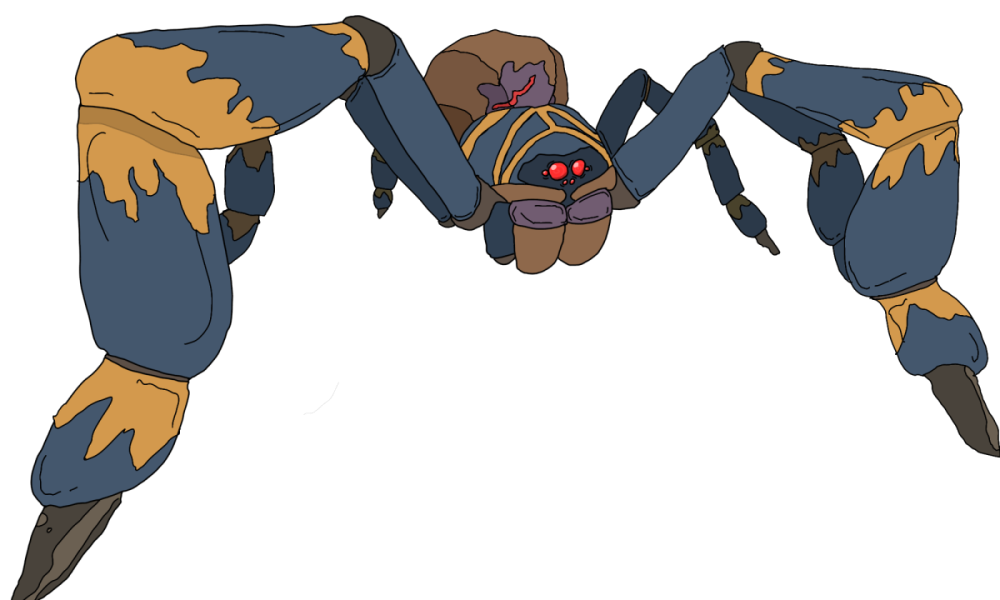
  1. Add more drawings to picture frames like my drawing of AXL the tarantula and also add frameless paintings so we can make an art museum or something. (You can use my drawing if you want).
  2. Add blocking volumes that have textures in playgrounds for example wood, pebble and dirt blocks that can be resized so landscaping is easier and also add colourful link triggers so it is easier to link things. I think that these features would improve playgrounds a lot because I really like playgrounds however I think it should be easier to build things. It would also mean we can build almost anything like cars, small houses and more. Hopefully this is added!

Account

Navigation

Search

Search

Configure browser push notifications

Chrome (Android)
  1. Tap the lock icon next to the address bar.
  2. Tap Permissions → Notifications.
  3. Adjust your preference.
Chrome (Desktop)
  1. Click the padlock icon in the address bar.
  2. Select Site settings.
  3. Find Notifications and adjust your preference.