Jump to content
View in the app

A better way to browse. Learn more.

Obsidian Forum Community

A full-screen app on your home screen with push notifications, badges and more.

To install this app on iOS and iPadOS
  1. Tap the Share icon in Safari
  2. Scroll the menu and tap Add to Home Screen.
  3. Tap Add in the top-right corner.
To install this app on Android
  1. Tap the 3-dot menu (⋮) in the top-right corner of the browser.
  2. Tap Add to Home screen or Install app.
  3. Confirm by tapping Install.

eded

Initiates
  • Joined

  • Last visited

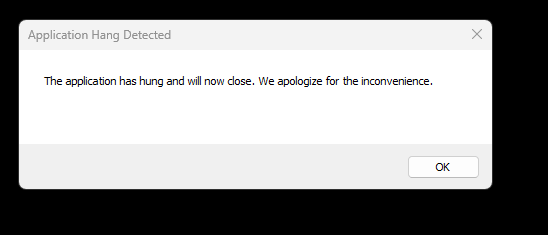
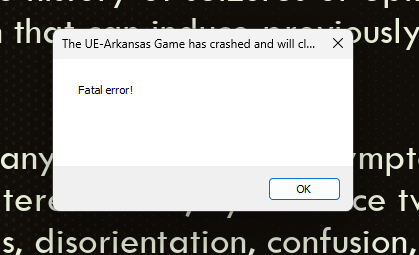
  1. was that fixed by a new ~3gb patch released today? I am downloading one on steam but there's no associated patch notes.
  2. lol I actually like that. Too often in like Fallout I would clear out the same place of the same dudes over and over again and it felt like I had no effect on the world. This makes it feel like I'm actually DOING something. Also it can help to point out places I haven't explored yet.
  3. having the same issue. Also got one that said "ran out of gpu memory" despite having a 16g card and running on high settings at 60fps. i7 12700H 64GB ram 3080Ti 16GB
Configure browser push notifications

Chrome (Android)
  1. Tap the lock icon next to the address bar.
  2. Tap Permissions → Notifications.
  3. Adjust your preference.
Chrome (Desktop)
  1. Click the padlock icon in the address bar.
  2. Select Site settings.
  3. Find Notifications and adjust your preference.
