


AppleAlice
Members
-
Joined
-
Last visited
Everything posted by AppleAlice
-
I updated BIOS as suggested and it's still not working. Thank you though
-
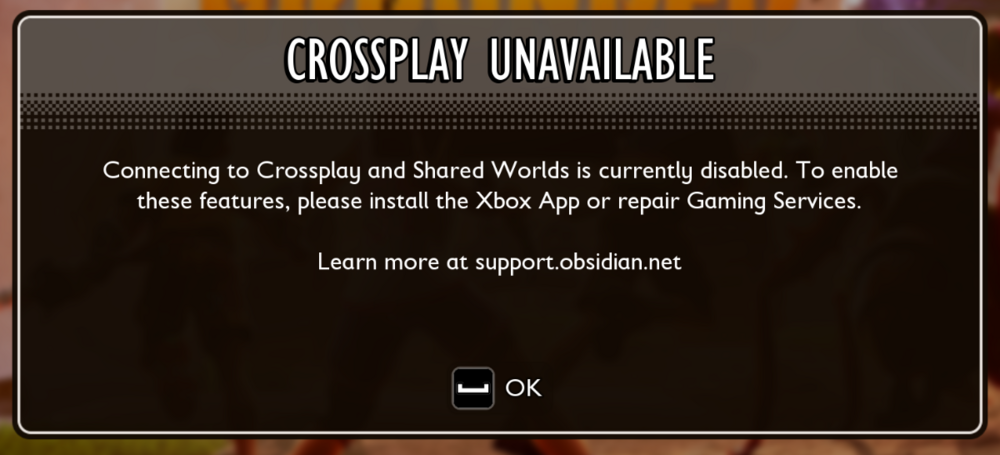
Things I have tried: Uninstalling and reinstalling. Uninstalling and reinstalling without the extra DLC. Manually deleting game files. Verifying the integrity of game files. Logging out and back in to steam. Logging out and back in to Xbox app. Linked my Xbox account to my Steam account. Using my phone as a hotspot to test IP issues. Using the Xbox gaming services repair tool. I checked Grounded 1 and I can sign in and out of my Xbox account without issue too. The latest patch has not fixed the issue but now shows a pop up when hitting F1/enable crossplay. It did nothing prior.
-
I bought the game on Steam. It does not know what Xbox account I have because it does not give me the option to log in to my Xbox account. It seems like it's happening to quite a few people, unfortunately it is not on their issue tracker yet https://grounded2.obsidian.net/issue-tracker
-
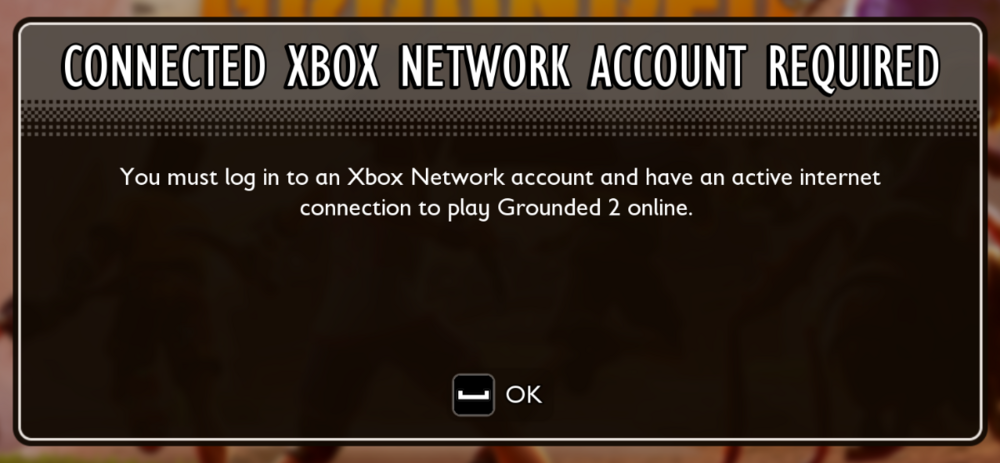
Same here. I'm on steam. It shows this pop up then shows "logging in" and then nothing happens.
-
I have the same issue and have not found a fix


