Tyler John Hines
Initiates
-
Joined
-
Last visited
-
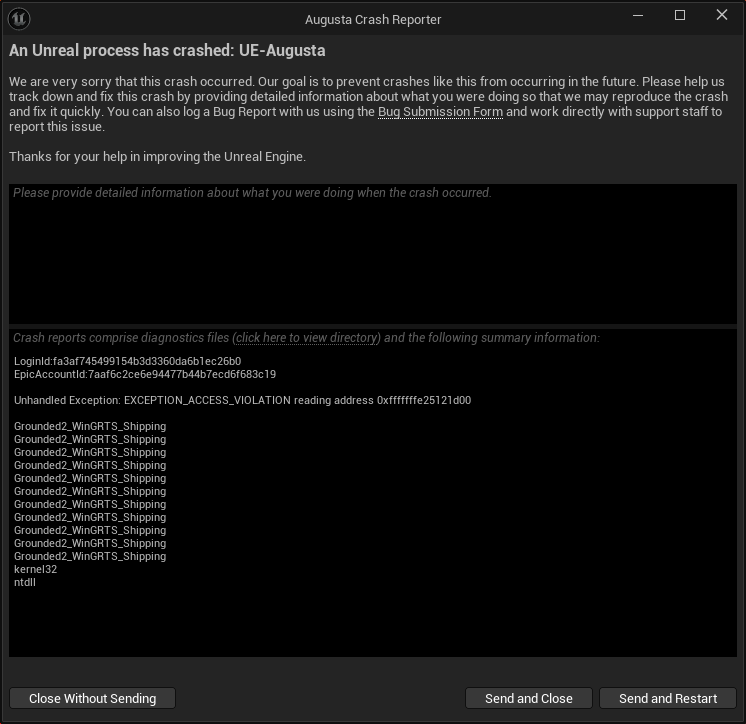
Ive seen YT videos of how to turn off Cross play, run (if Steam) on DX11, or DX12, etc. and other various fixes, but i feel they are just playing with the game files, which i just don't like to do. Considering how many people are claiming to have the same issue, it feels far more abundant.
-
Same here. Constantly. Exact same Augusta UE error as @HabitMan and the rest of the folks here. Really wish this would get addressed. So sad seeing everyone else seem to have no/little problems. I cant spend more than 5 minutes before it crashes. I'm in a mode of constantly saving every 30 seconds.
-
same here. Constant crashing. just made another post about it, and only 3 min or so after starting up, it happened again.
-
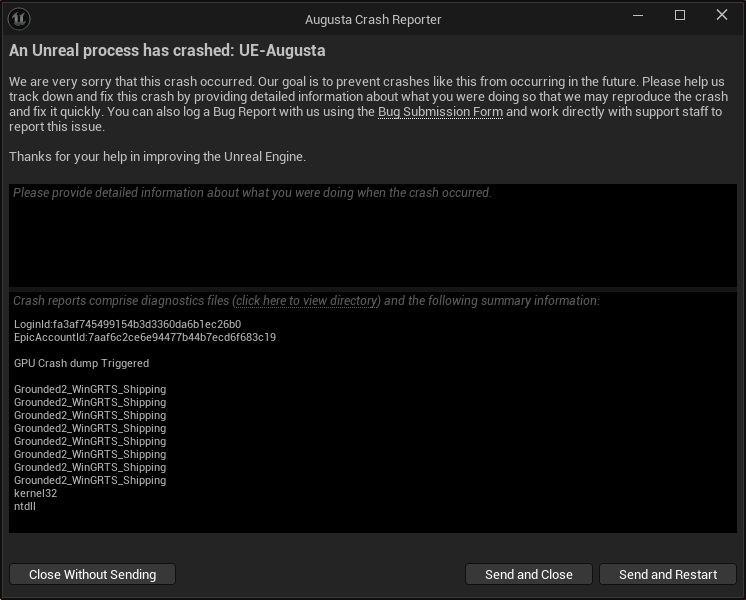
Same error every time: I ran thru all of the checks here: https://support.obsidian.net/article/183-grounded-2-is-crashing and everything is up to date, working, and checked (passed all of the Intel Processor tool checks). Would really like to know what is causing this. I'm running i7-12700k, 3080Ti w/64gb. more than enough. took things down to medium settings to see if it would help and it seems to have done nothing