Jump to content
View in the app

A better way to browse. Learn more.

Obsidian Forum Community

A full-screen app on your home screen with push notifications, badges and more.

To install this app on iOS and iPadOS
  1. Tap the Share icon in Safari
  2. Scroll the menu and tap Add to Home Screen.
  3. Tap Add in the top-right corner.
To install this app on Android
  1. Tap the 3-dot menu (⋮) in the top-right corner of the browser.
  2. Tap Add to Home screen or Install app.
  3. Confirm by tapping Install.

Obsidian’s 10th Extra Life Anniversary (Final Hours!)

This announcement is no longer active

Fionavar

11/12/24

241113.1500x500.thumb.jpg.fb3736640eb0fa3fc11bf48acf9d2f50.jpg

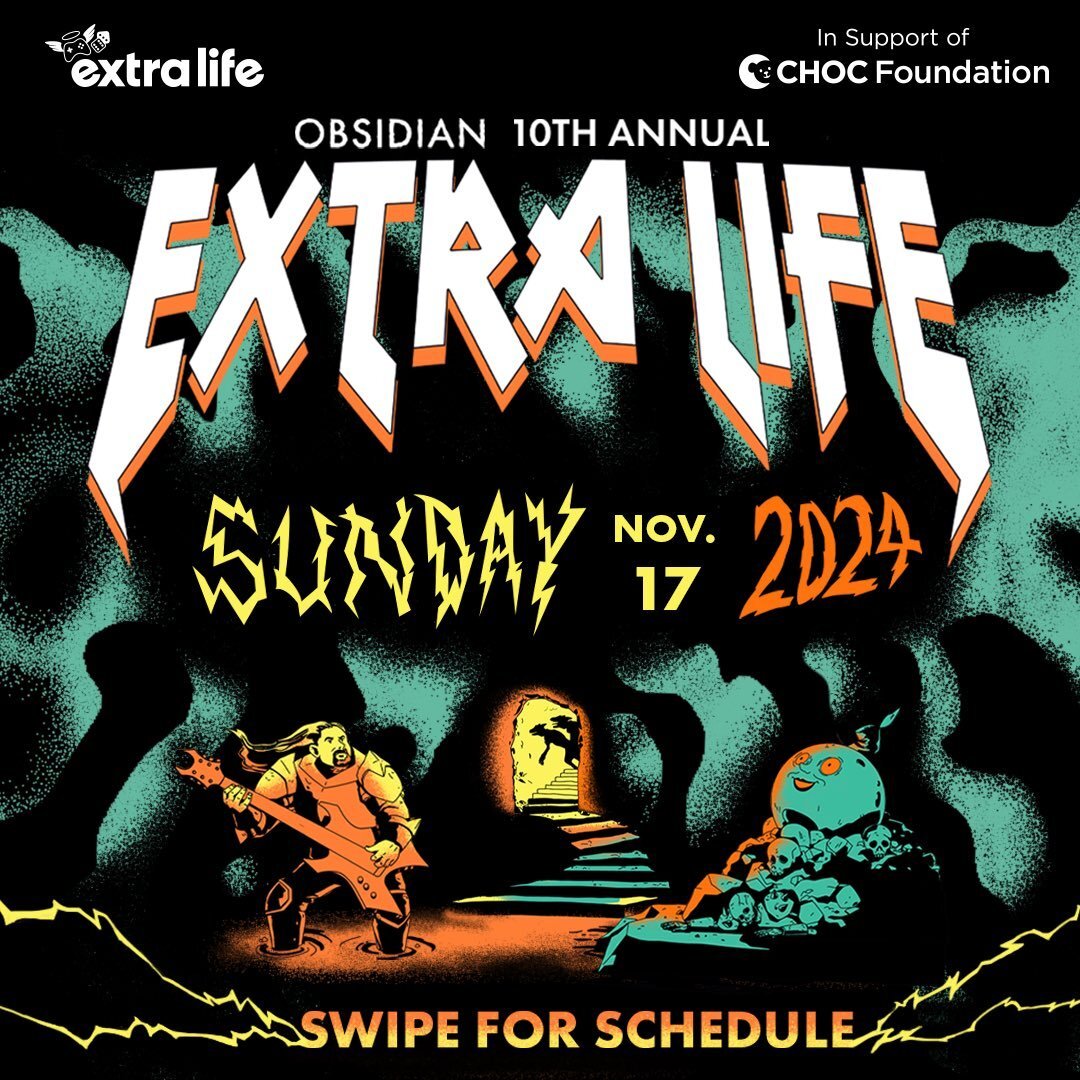
Please join us for a little, some, or a lot of the Extra Life Anniversary event this coming weekend, November 15-17. More info is below but know how important the Forum Community has been in supporting Obsidian. Please consider this an invitation to help us now help the chids!

Discussion Thread

We're in the final hours of the 10th Anniversary! Thanks so much to everyone who have helped us not only be the most successful Extra Life stream, but we exceeded our goal of $30k! Please do join us for the last few sessions before things wrap up at 1800 PST!

http://twitch.tv/obsidian
Donate today: https://obsidian.net/donate
GcXTvniboAA3v-c.thumb.jpg.b472db2a7784579b1bbed6c1b220d85a.jpgGcXTvnia8AANjOD.thumb.jpg.5a1c9b3ca4b4671b91006920c7d48aca.jpgGcXTvnlboAAgJJ6.thumb.jpg.c5179718dba57d1878cf100166b216a2.jpg

Configure browser push notifications

Chrome (Android)
  1. Tap the lock icon next to the address bar.
  2. Tap Permissions → Notifications.
  3. Adjust your preference.
Chrome (Desktop)
  1. Click the padlock icon in the address bar.
  2. Select Site settings.
  3. Find Notifications and adjust your preference.