Spori
Initiates
-
Joined
-
Last visited
-
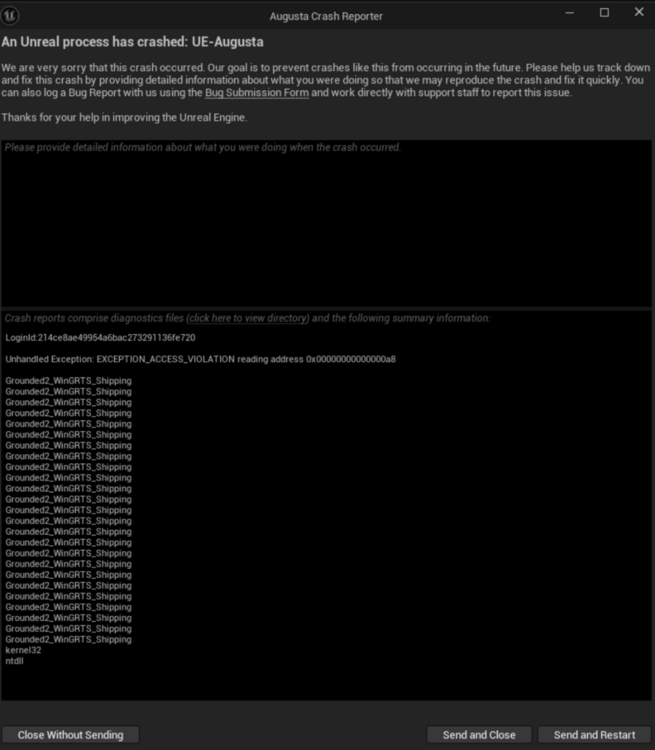
Game 262 also crashes. every Savegame. its crazy...... but i can play Multiplayer if i join a hosted game. thats no problem. the issue seems to be not my Notebook, Drivers or anything else, i things is just the Game-Savegame. HELP, what can i do with my safegame? i could upload it if anyone want to see this....
-
Hello Team, my english is not so good but i try to explan. my game crases every time after a few seconds. i thought, my Grafik Card was to low. then i bought a new Notebook an Load an OLDER Savegame, then it works. two weeks later the same Problem with new PC. after 1 minute in my house, the came crashes. gameplay Day 270 in Grounded2. if i load savegame 269, i can play about 15 min then it crahes. Savegame day 262 seems to work. but what is the Problem? i hope, anybody can halb me. the notebook is a Gamernotebook, New and clean.