


Donaldray86
Initiates
-
Joined
-
Last visited
-
Happening to my my wife and I too on xbox, we may get 2 in game days by before a crash, sometimes it only 1 day.
-
Same here, ive bought it twice now and it keeps going back to ranger station
-
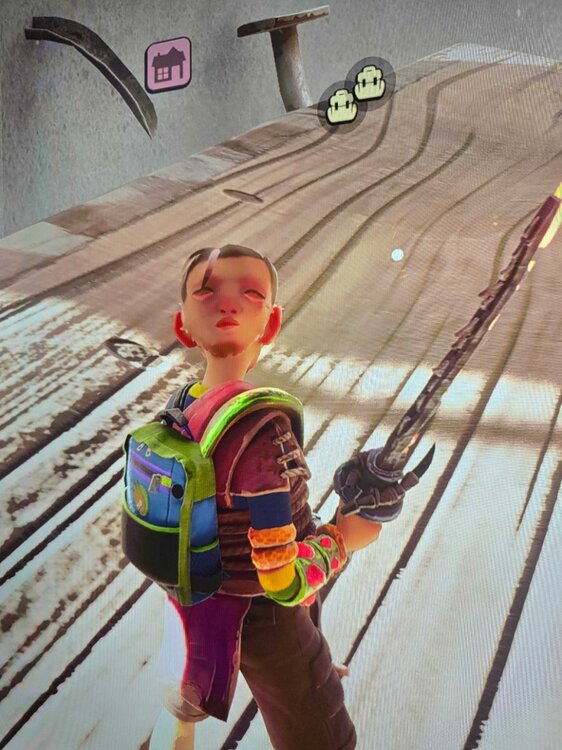
Kinda creepy tbh. Been wearing ladybug armor and created the sizzling armor set today for getting the firepit weapon. After equipping the sizzling circlet head gear, my characters face decided to appear on the back of my head. Now when I run around in game, even after saving and leaving, my face stays on the back of his head. Its like hes watching me lol
-
Me and my wife are playing grounded 2 and we run multiplayer on series X. Both systems are fine, nats open, ports good and internet is optimal. We crash every 30mins or so it seems like, we freeze at times from lag and the enviroment seems glitchy. If the grass isn't bugging out, the bugs are literally stuck in rocks. Ive watched aphids fly into outer space at times too. Great game though, hope we get fixes soon and more content.

