Jump to content
View in the app

A better way to browse. Learn more.

Obsidian Forum Community

A full-screen app on your home screen with push notifications, badges and more.

To install this app on iOS and iPadOS
  1. Tap the Share icon in Safari
  2. Scroll the menu and tap Add to Home Screen.
  3. Tap Add in the top-right corner.
To install this app on Android
  1. Tap the 3-dot menu (⋮) in the top-right corner of the browser.
  2. Tap Add to Home screen or Install app.
  3. Confirm by tapping Install.

mons

Initiates
  • Joined

  • Last visited

  1. tysm after doing it about 20 times i finally got my ant buggy back.
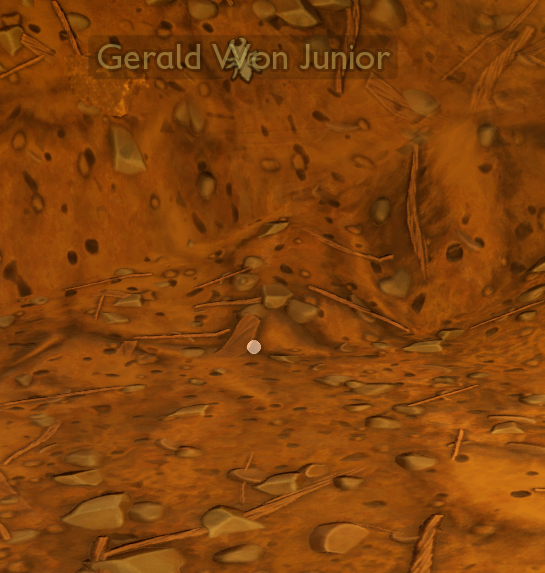
  2. My ant buggy turned invisible and i cant interact with him. Altough i can see his marker. And i dont know how this happened, i just realized he was gone. And i cant acces a save from before. Ive tried to get a new one but when i try to retrieve it the game says that i already have one following me. This means that i can never get a ant buggy. And its really hard to get the spider buggy without one.
Account

Navigation

Search

Configure browser push notifications

Chrome (Android)
  1. Tap the lock icon next to the address bar.
  2. Tap Permissions → Notifications.
  3. Adjust your preference.
Chrome (Desktop)
  1. Click the padlock icon in the address bar.
  2. Select Site settings.
  3. Find Notifications and adjust your preference.