


libramartin
Members
-
Joined
-
Last visited
-
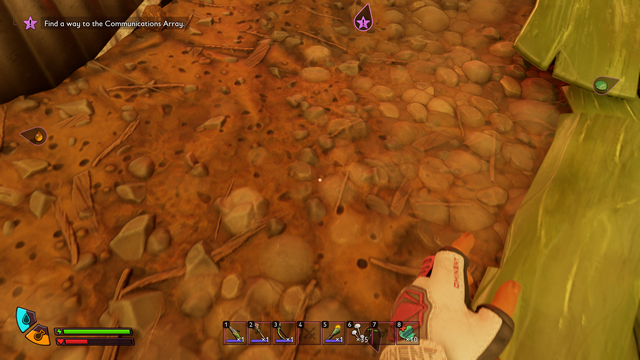
In 1st person mode, after hiding Warhammerlet Hoopses left hand swings in the middle while running. If I do that with other weapons it is normal, left hand on the left, right on the right, but with the warhammer the left one swings in the middle. Windows Gamepass
-
When I click attack it also disables it, but e.g. cutting grass doesn't.
-
Tested 4 times, every time I rebind my keys, if I close and restart the game it doesn't remember my new key settings. Other settings are fine, graphics, toggle run, etc. But the keybinds go back to default. I change Dash to alt, Crouch to Ctrl, I add Map under mouse 4, Inventory mouse 5, circle menu under Capslock and View to tilda. At first I only changed dash and crouch and it also didn't remember it. I can't do that every time. This game is unplayable for now. Windows Gamepass
-
What did you rebind it to ? They probably will ask
-
When I click Block it disables my Run, so I need to again click Shift to toggle Run.
