Jump to content
View in the app

A better way to browse. Learn more.

Obsidian Forum Community

A full-screen app on your home screen with push notifications, badges and more.

To install this app on iOS and iPadOS
  1. Tap the Share icon in Safari
  2. Scroll the menu and tap Add to Home Screen.
  3. Tap Add in the top-right corner.
To install this app on Android
  1. Tap the 3-dot menu (⋮) in the top-right corner of the browser.
  2. Tap Add to Home screen or Install app.
  3. Confirm by tapping Install.

Christmas Present to Self

(0 reviews)
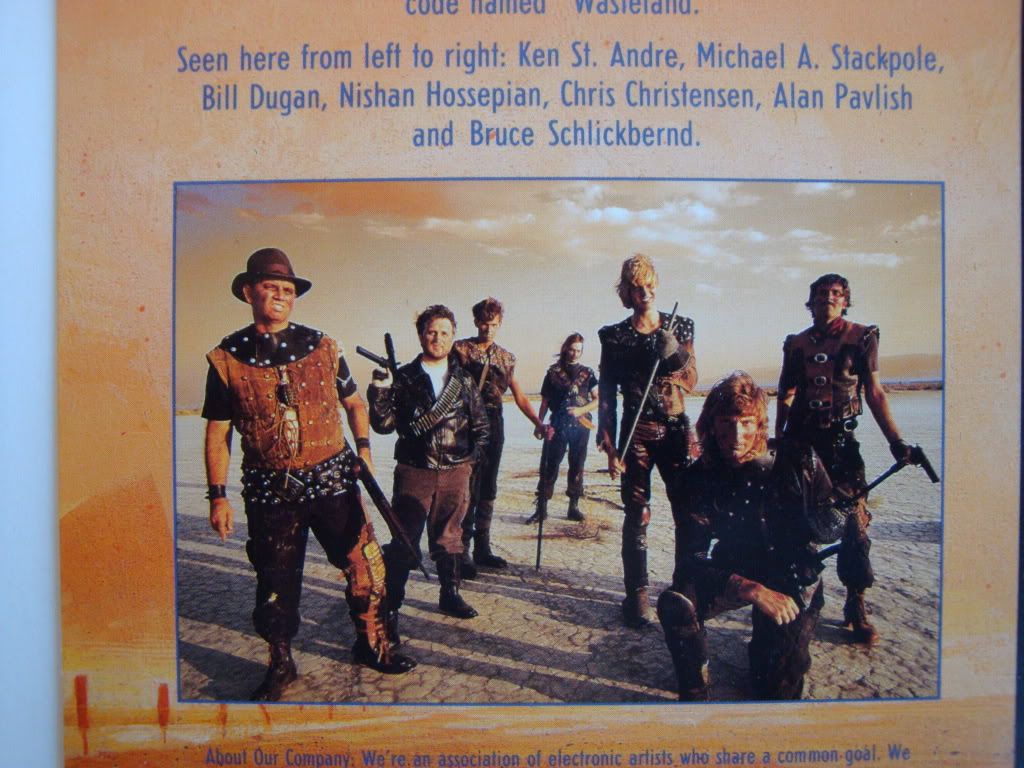
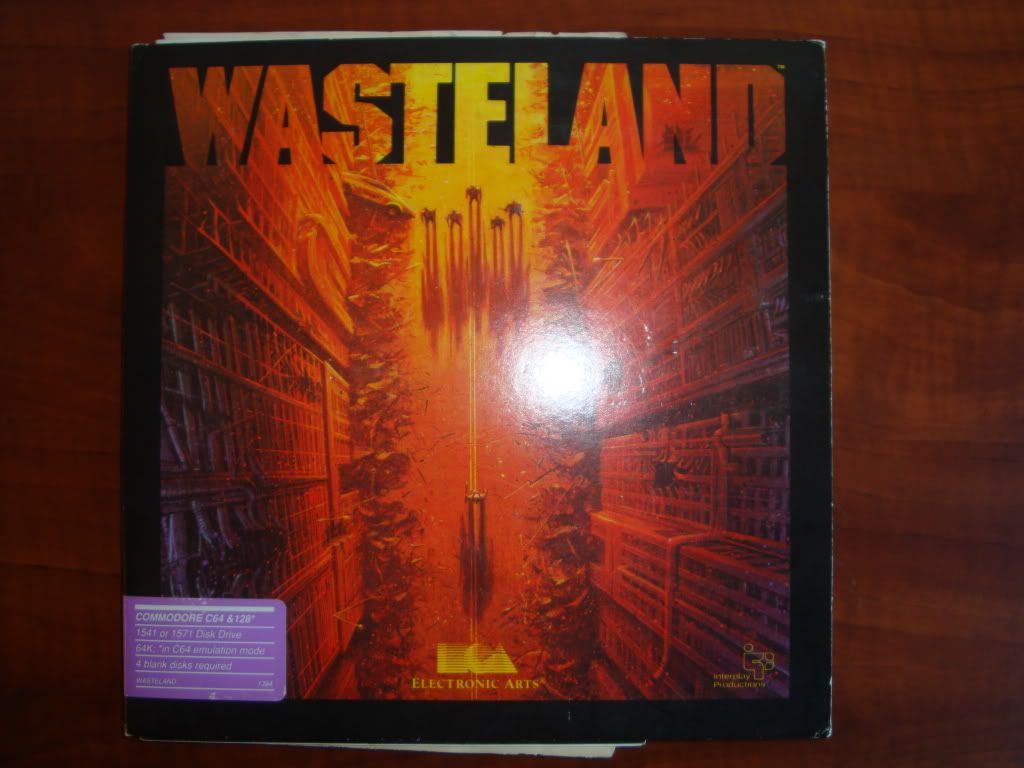
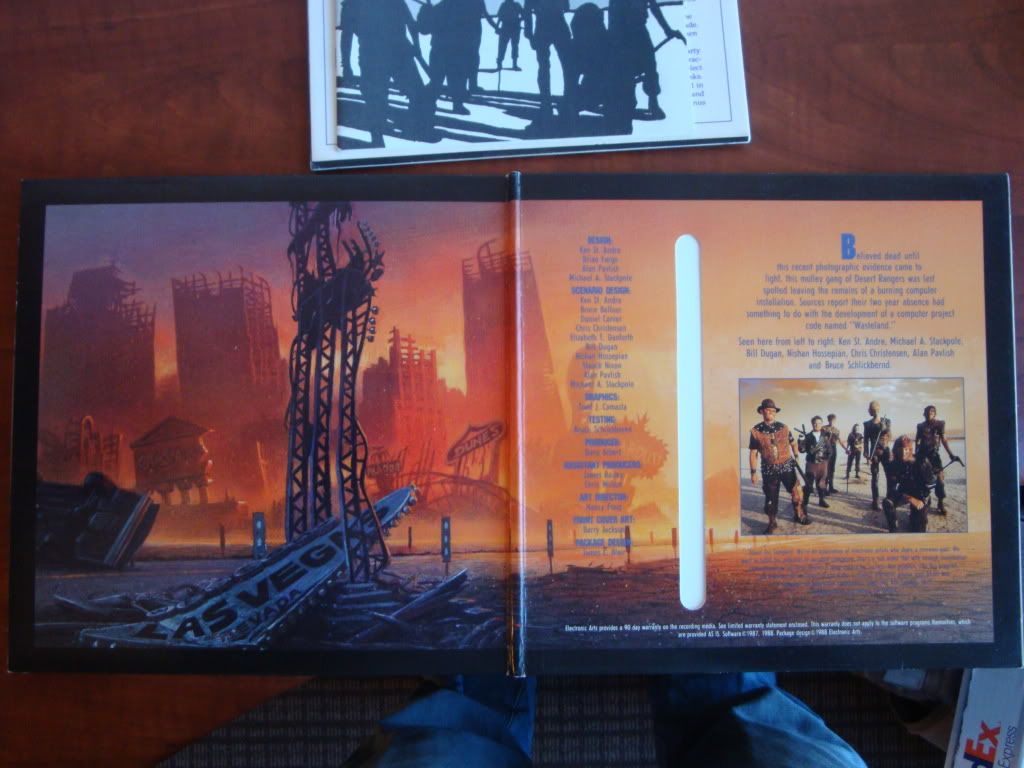
Found this in the backroom, although the disk was probably still lodged inside the C64. Love the credits page.
DSC02047.jpg

DSC02049.jpg

DSC02050.jpg

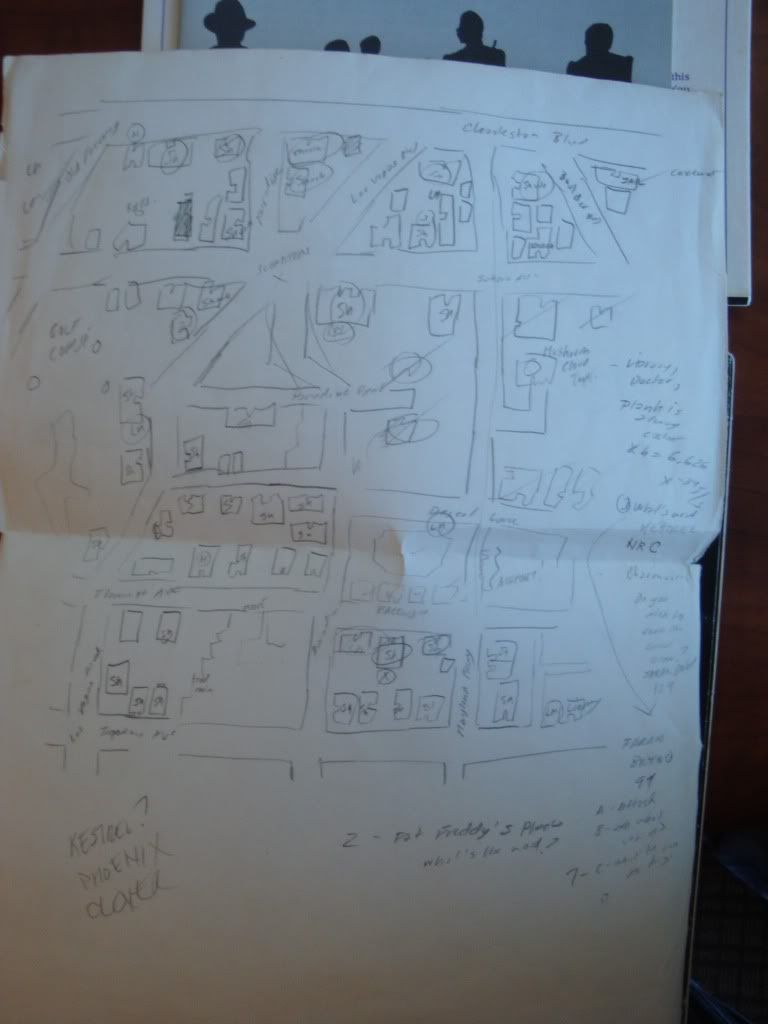
And even found my old school handmade Wasteland Vegas map. The Scorpitron is clearly indicated in... uh... faded pencil. Along with everything else.
DSC02051.jpg

Happy holidays, all!

0 Comments

Recommended Comments

There are no comments to display.

Account

Navigation

Search

Configure browser push notifications

Chrome (Android)
  1. Tap the lock icon next to the address bar.
  2. Tap Permissions → Notifications.
  3. Adjust your preference.
Chrome (Desktop)
  1. Click the padlock icon in the address bar.
  2. Select Site settings.
  3. Find Notifications and adjust your preference.